
Mixing vocals with sound effects is a balancing act between clarity, space, and intention. When done right, effects enhance emotion and impact without overpowering the voice. When done wrong, they distract, clutter, or bury the message. This guide shows you how to blend vocals and sound effects cleanly and professionally.


1. Start With a Clean Vocal
Everything begins with the lead vocal.
-
Record in a quiet, controlled space
-
Remove noise, clicks, and harsh breaths
-
Set the vocal level clearly above the instrumental
If the vocal isn’t clear on its own, effects won’t fix it.
2. Decide the Role of Each Effect
Every sound effect must have a purpose.
Common roles include:
-
Atmosphere (ambience, textures, risers)
-
Emphasis (impacts, drops, transitions)
-
Emotion (reverbs, delays, echoes)
Ask: Does this effect support the vocal or distract from it?
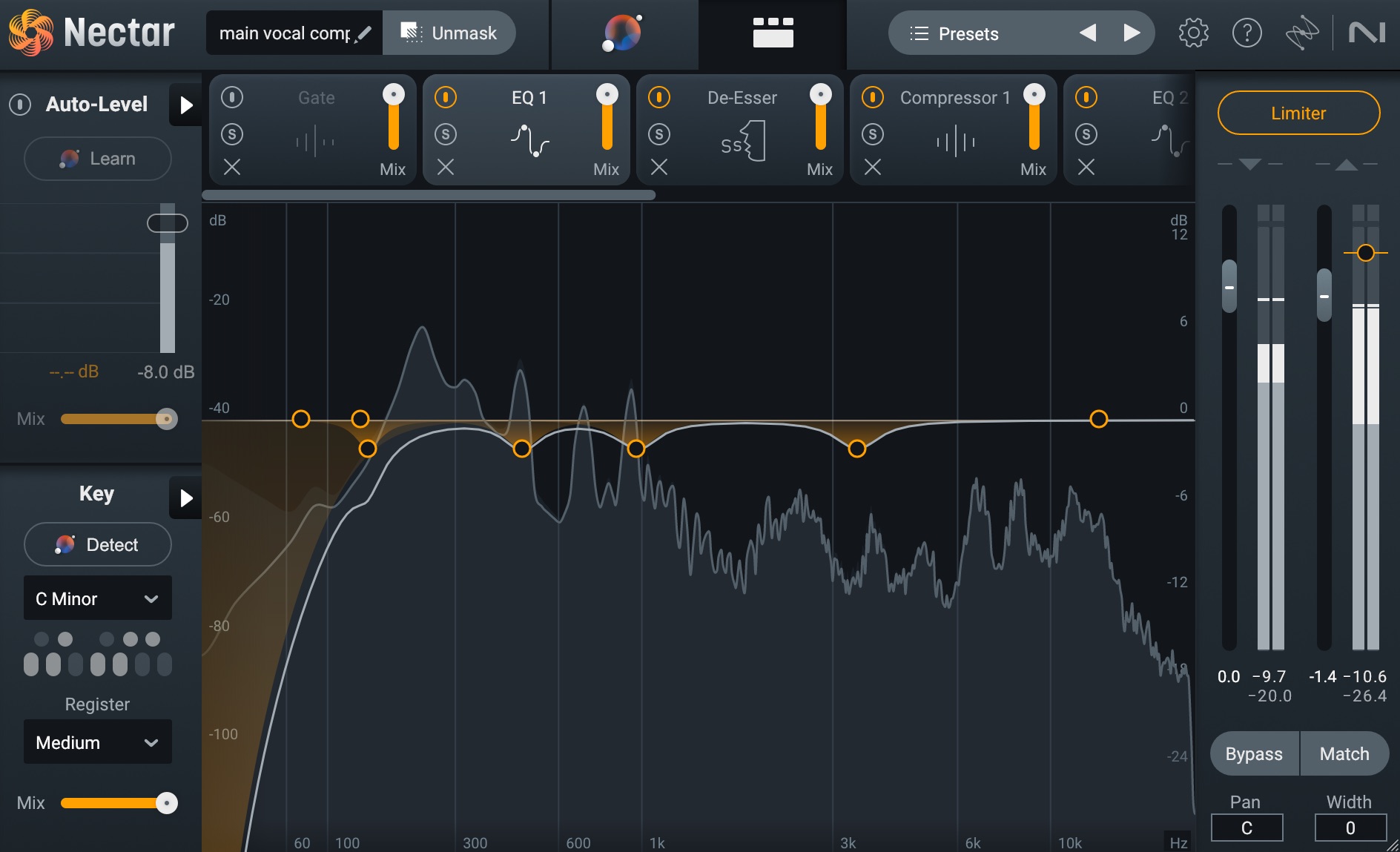
3. Use EQ to Create Space
EQ is your main tool for separation.
-
High-pass sound effects to remove low-end clutter
-
Cut frequencies in effects where vocals need space (midrange)
-
Avoid boosting highs that compete with vocal presence
Make room for the voice before adding volume.
4. Control Levels and Balance
Effects should be felt, not dominate.
-
Keep vocals slightly louder than effects
-
Automate effect volume instead of leaving it static
-
Pull effects down during verses, push them in hooks
Balance changes over time—automation is key.
5. Reverb: Depth Without Distance
Reverb adds space but can push vocals too far back.
-
Use short reverbs for lead vocals
-
Longer reverbs work better on background effects
-
Use reverb sends instead of inserts
Always check that the vocal stays upfront.
6. Delay for Rhythm and Interest
Delay adds movement and groove.
-
Sync delays to the tempo
-
Use delays at the end of phrases, not every line
-
Filter delays to avoid muddiness
Delays should enhance rhythm, not blur words.
7. Sidechain Effects to Vocals
Sidechaining keeps vocals in control.
-
Duck effects slightly when vocals are present
-
Let effects rise in gaps between phrases
-
Keep the vocal dominant at all times
This creates clarity without turning effects down manually.
8. Use Stereo Width Wisely
Placement helps separation.
-
Keep lead vocals centered
-
Pan effects slightly left and right
-
Avoid wide effects that swallow the vocal
Width adds depth—but too much weakens focus.
9. Match Effects to the Song’s Mood
Effects must match emotion and genre.
-
Dark, subtle effects for serious or intimate songs
-
Bright, rhythmic effects for energetic tracks
-
Minimal effects for raw or emotional vocals
Style consistency matters more than complexity.
10. Always Mix in Context
Never mix effects solo.
-
Listen with the full instrumental playing
-
Test on headphones, speakers, and low volume
-
Compare with reference tracks
The goal is translation across systems.
Final Thoughts
Mixing vocals and sound effects is about support, not competition. When effects serve the vocal, the message stays clear and the track feels immersive and professional.
The best mixes don’t sound “effect-heavy”—they sound intentional.
If you want, I can:
-
Build a vocal + effects mixing chain
-
Adapt this guide for rap, reggaetón, or pop
-
Create a beginner-friendly mixing workflow
Related posts

How To Improve Your Rap Voice
How to Improve Your Rap Voice Improving your rap voice is a mix of technique, conditioning, and artis …

Techniques To Get Perfect Vocals
Techniques To Get Perfect Vocals Perfect vocals don’t come from plugins alone—they come from preparat …